Films & Photography
Kai Leslie
0 %
HOME
ARCHIVE
Kai Leslie
CONNECT
PORTAL
Colour grade review
Review Instructions
Please review each image before submitting your feedback.
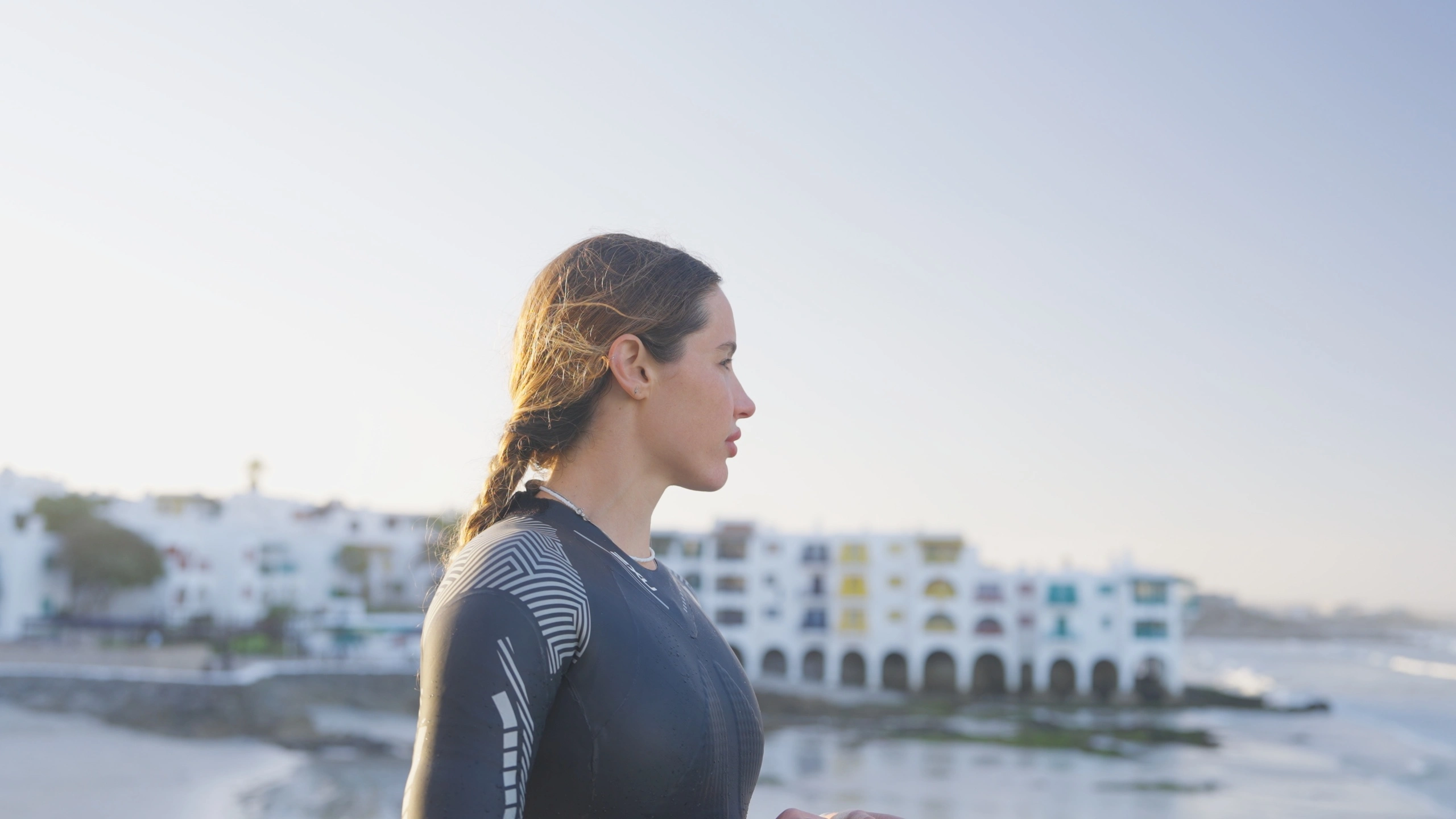
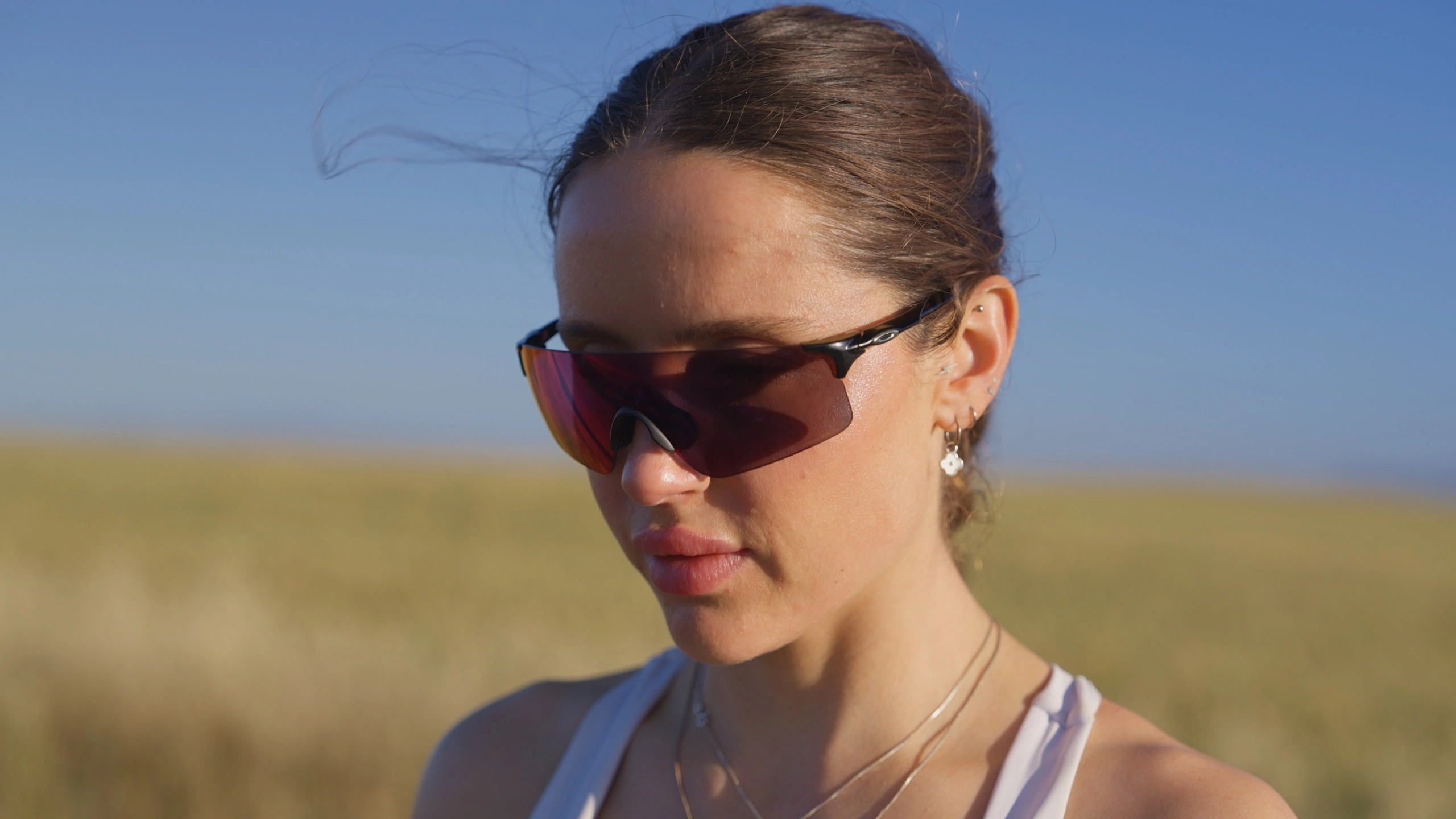
Start with the Colour Corrected image
Every image opens with the full Colour Corrected base image visible.
Use the optional description setting to show a static description, update it for each look, or hide it.
Compare the looks
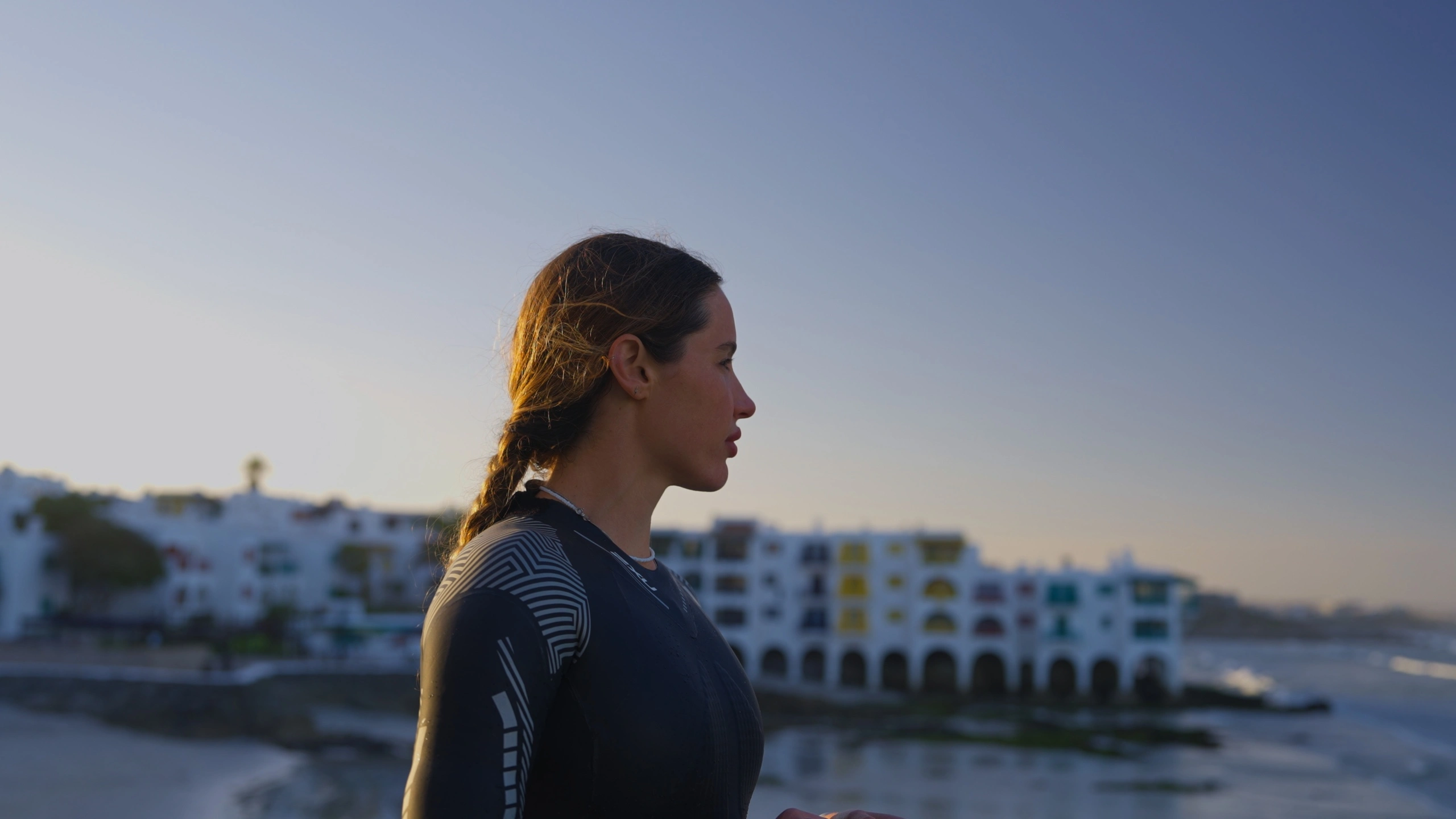
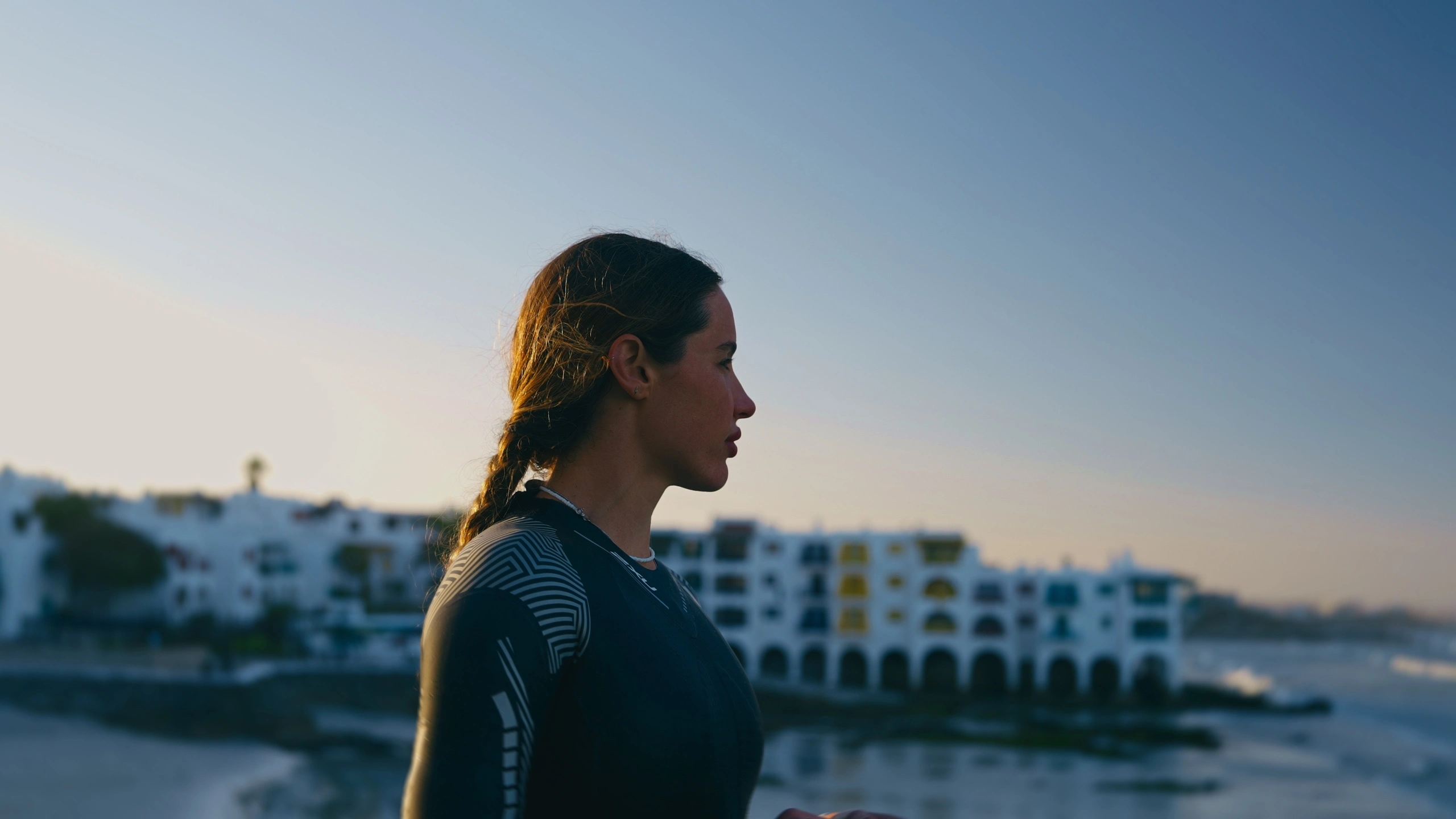
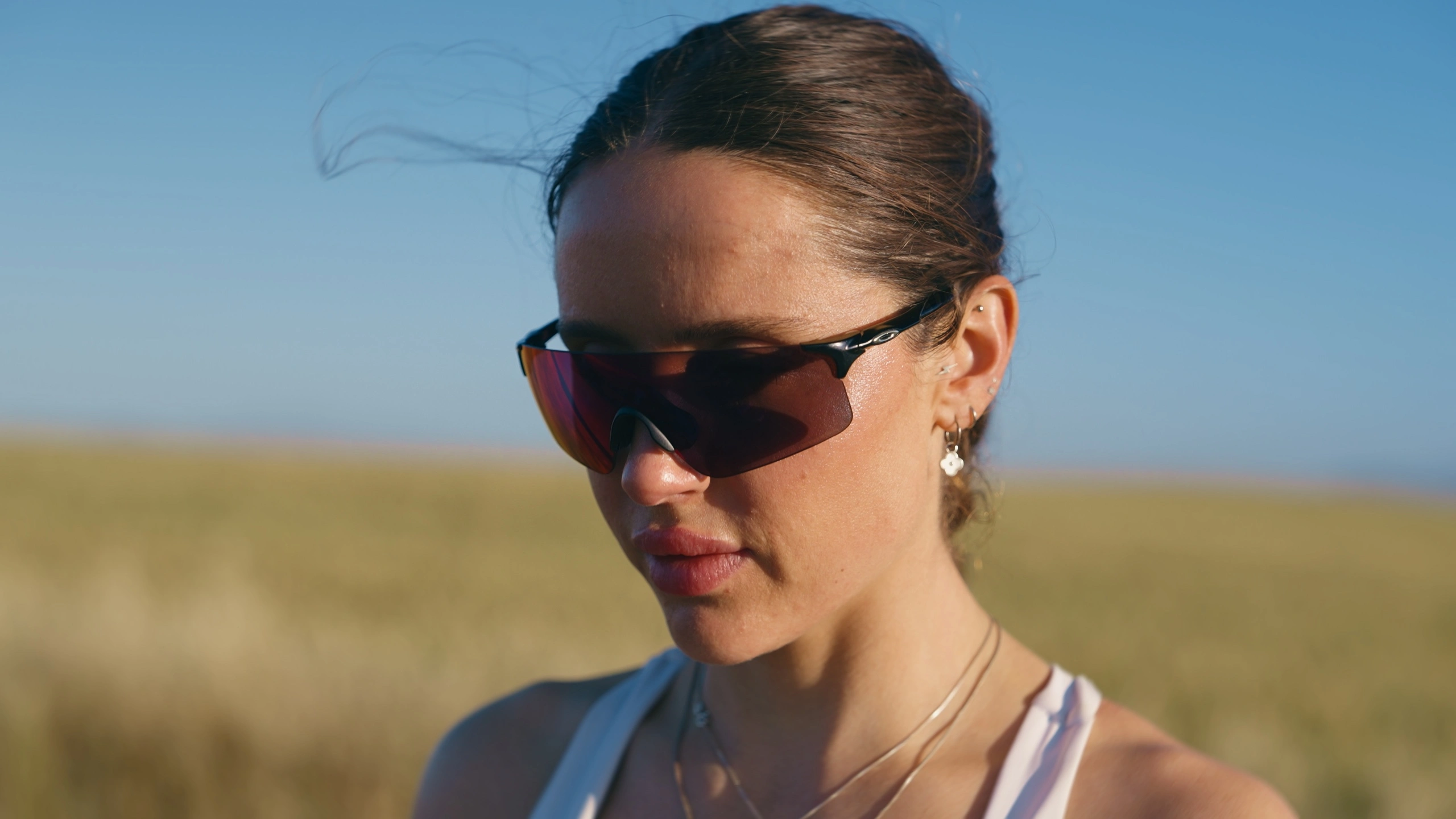
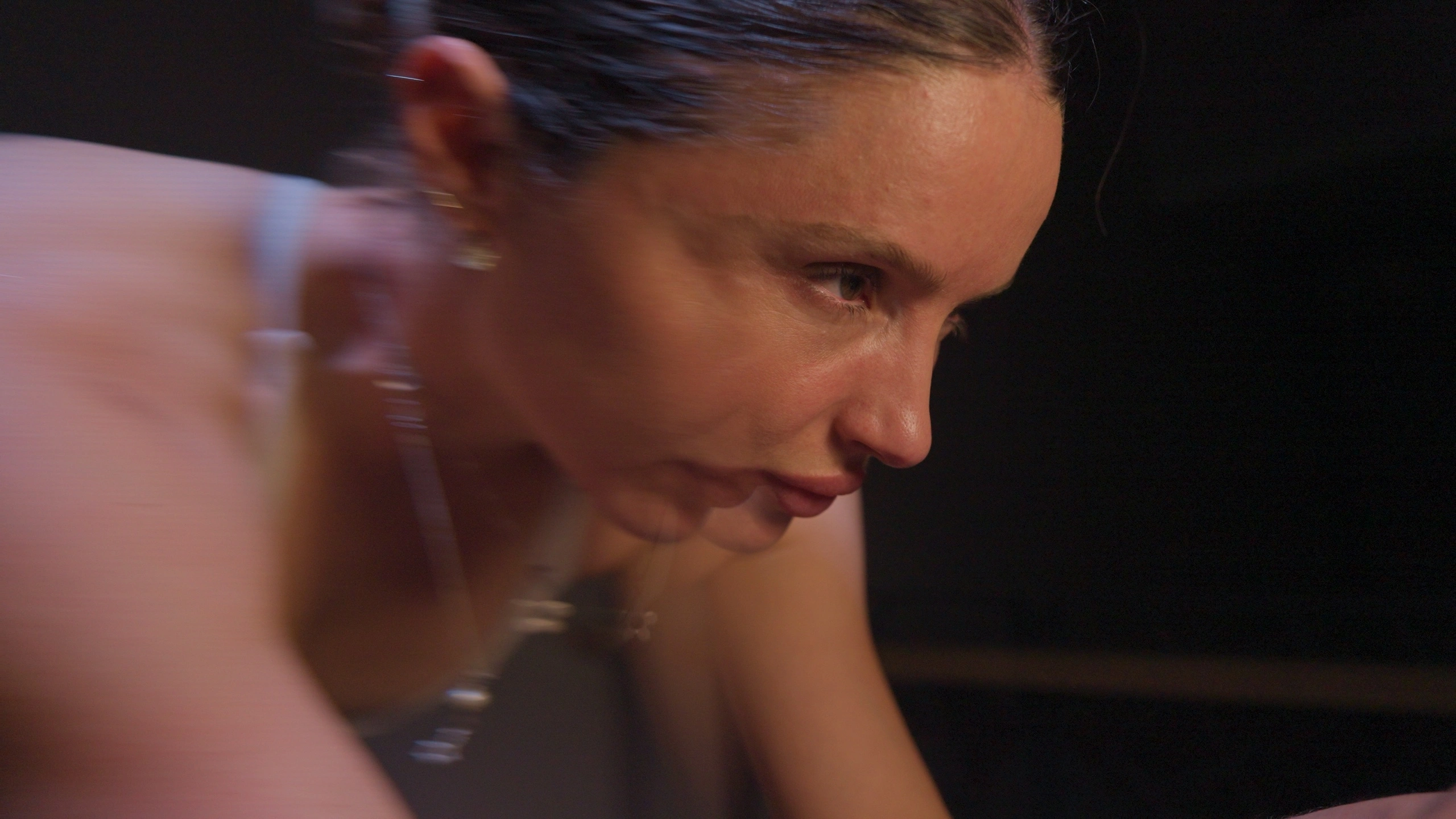
Use the three slider controls below each image to compare Look 1, Look 2, and Look 3.
Move the sliders independently. Look 2 and Look 3 can move past Look 1 toward the right.
Use Reset sliders to return to the starting view with the Colour Corrected image fully displayed.
Choose your preferred look
In the connected AI Form, select Look 1, Look 2, or Look 3.
Leave additional feedback
Add notes about the grade, including exposure, skin tones, contrast, colour, or anything that needs adjusting.
Submit your review
Click Submit to send your selected look and feedback through the Colour Grade Feedback AI Form.
Current Deliverables
Brand guidelines, logo assets, and initial website mockups.
Colour Grade Revisions
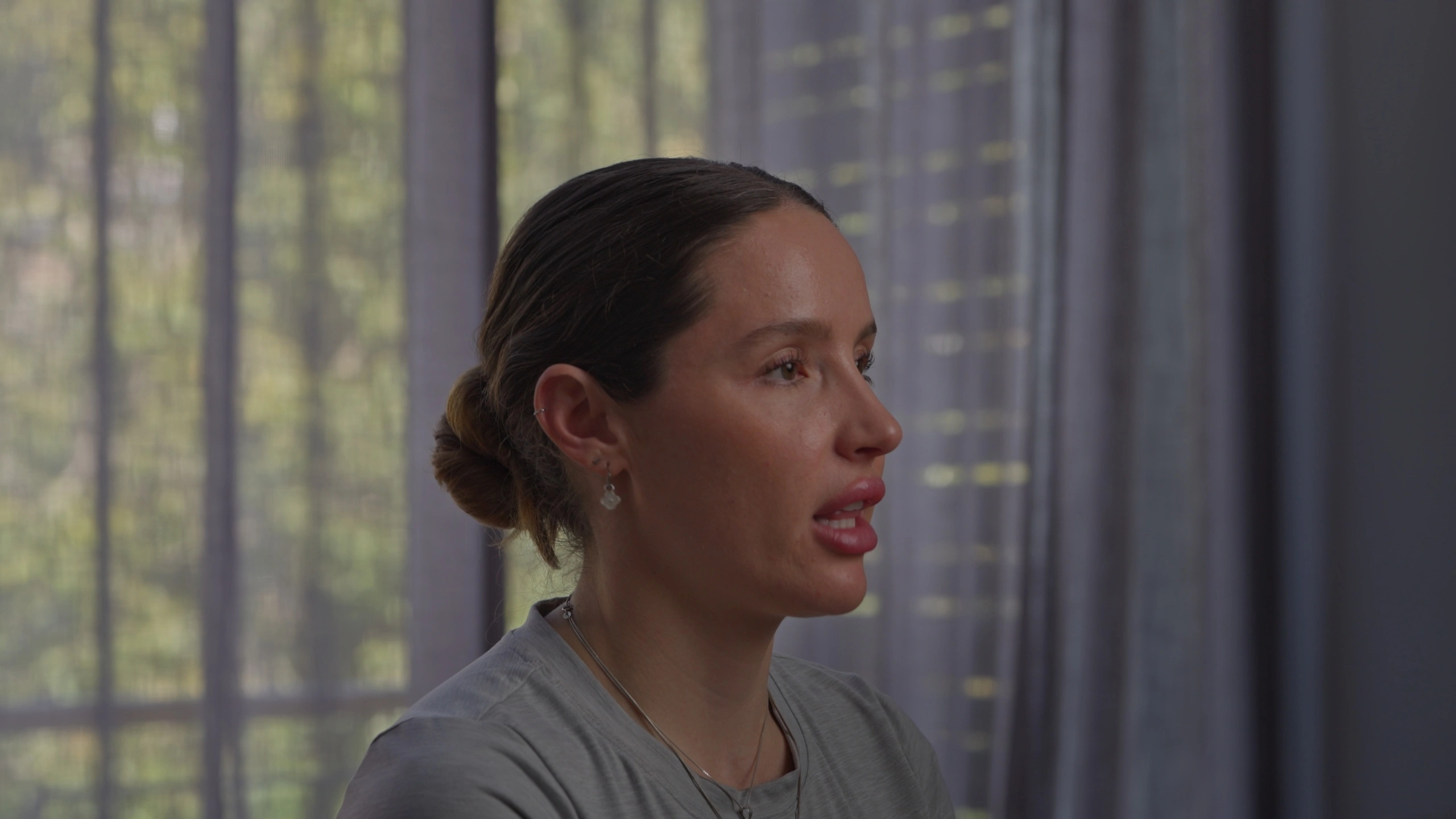
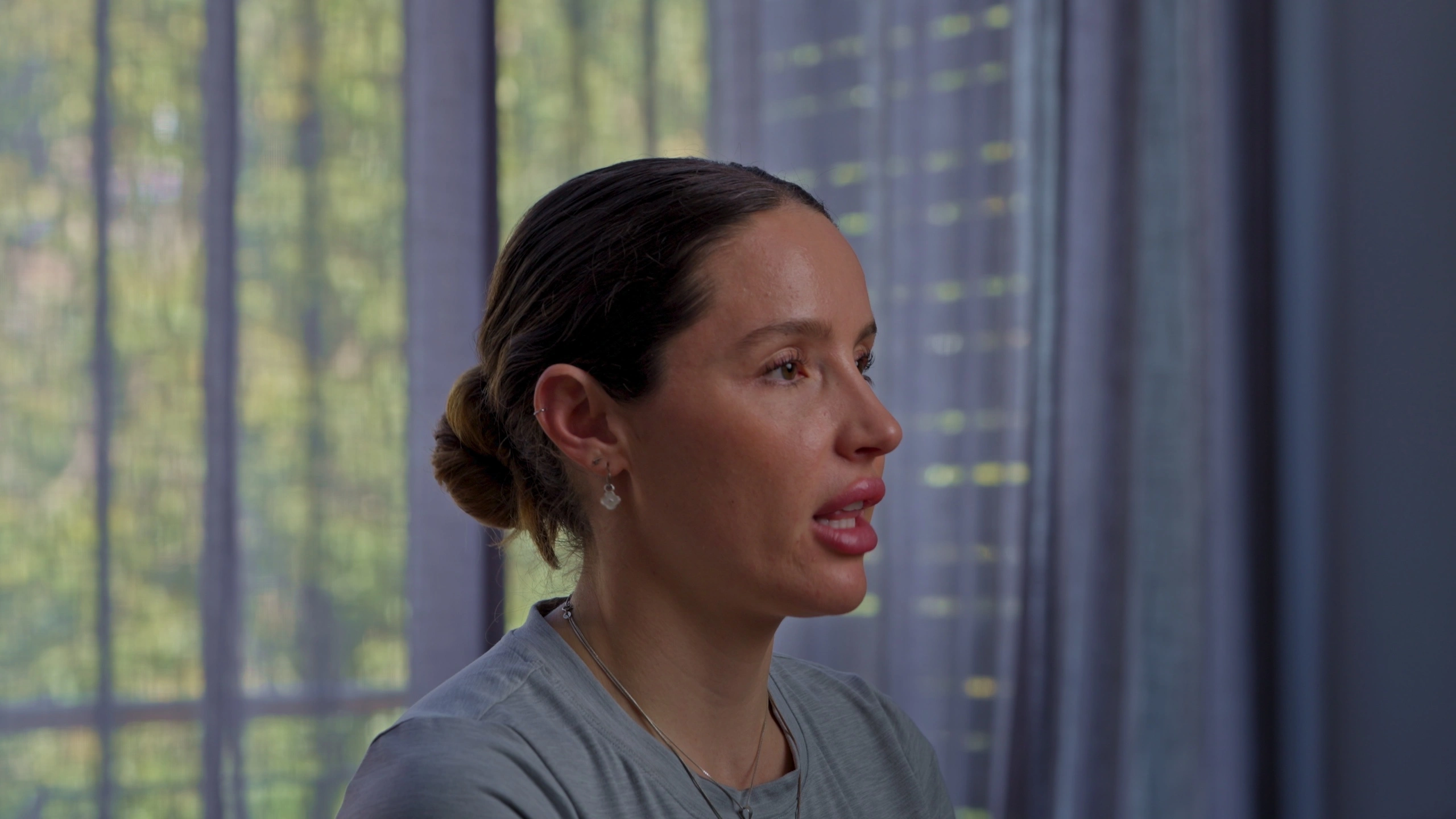
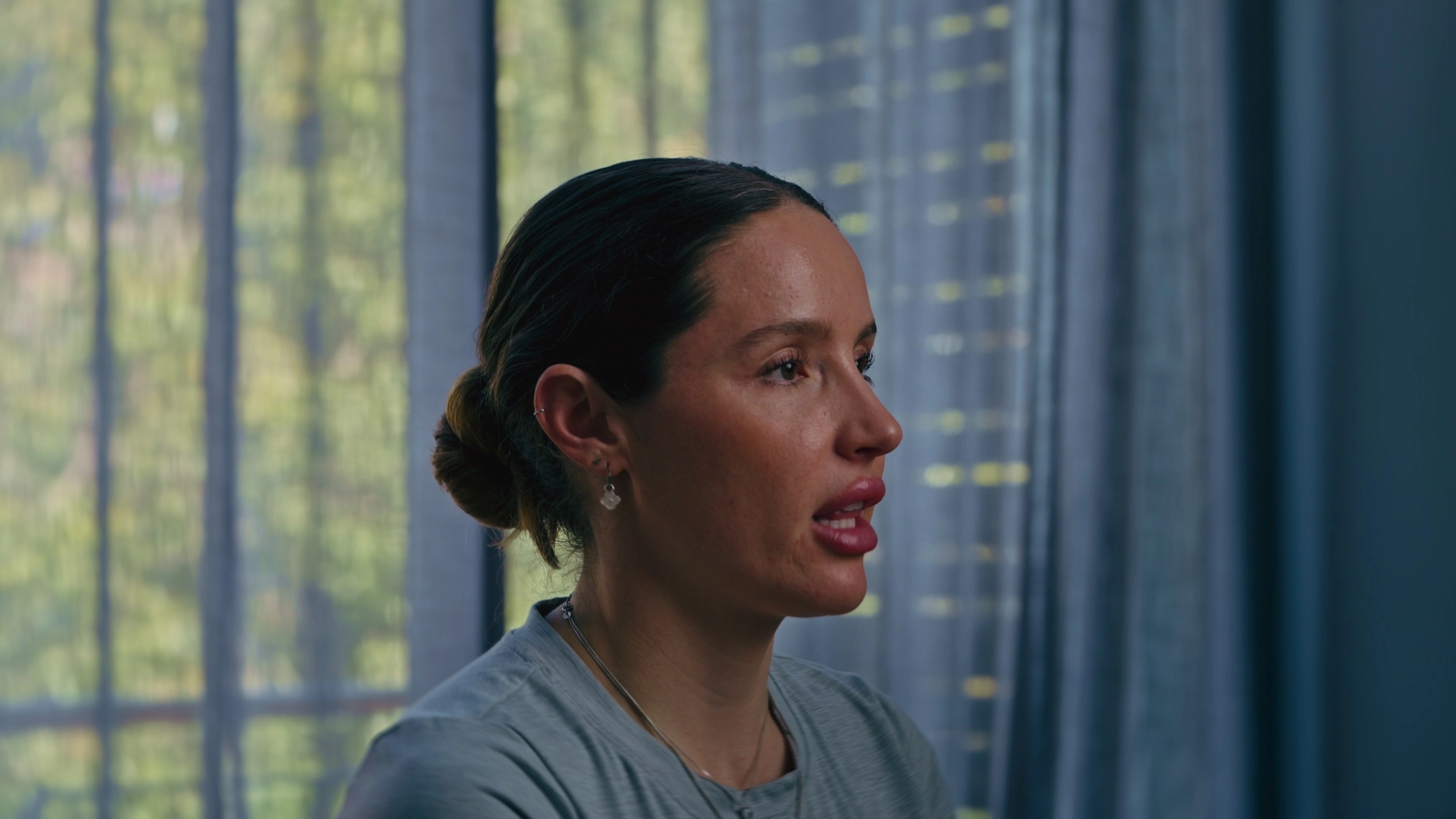
01
Interview
Color Correction
Look
02
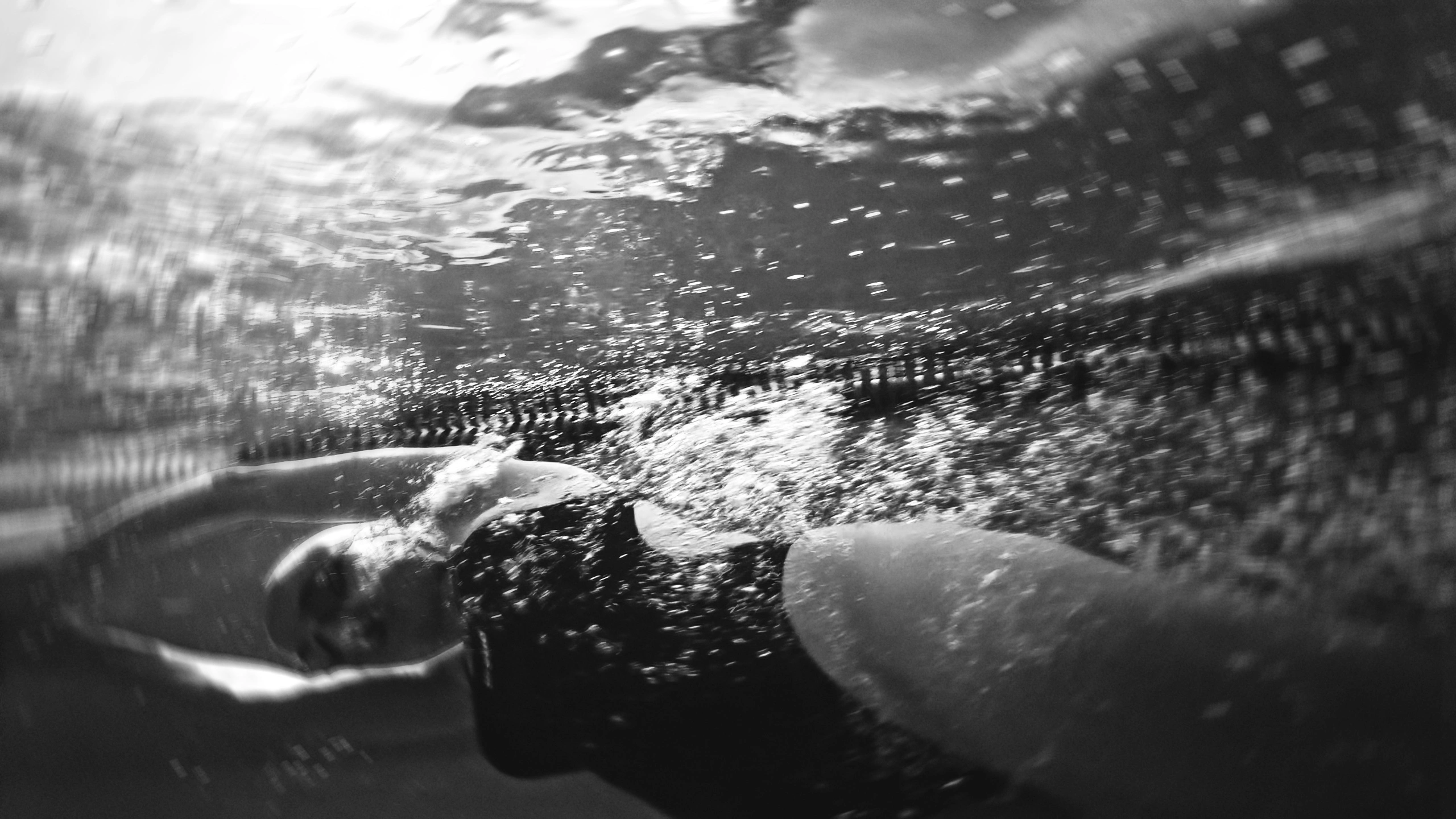
Black and white
Color Correction
Look
03
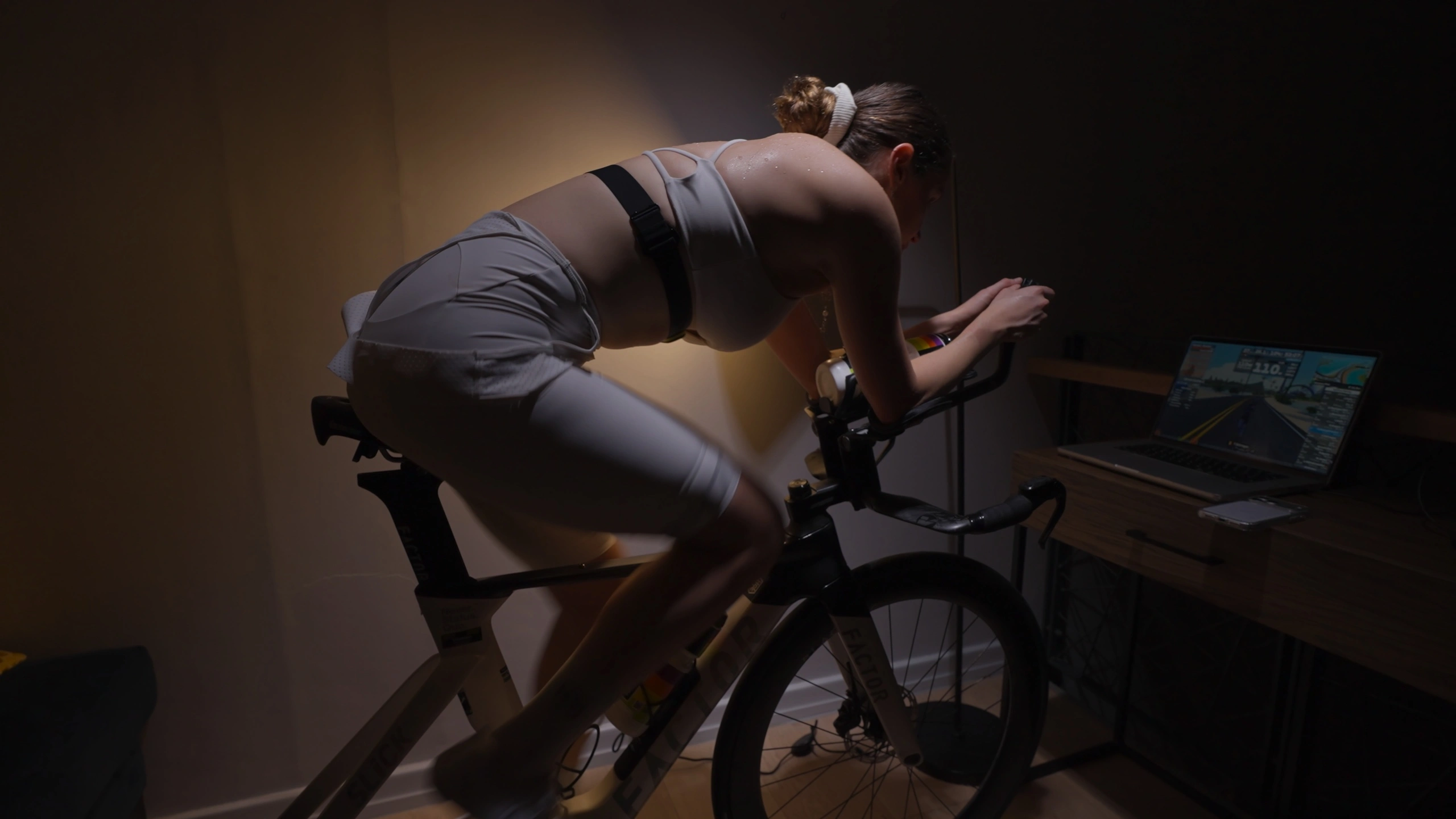
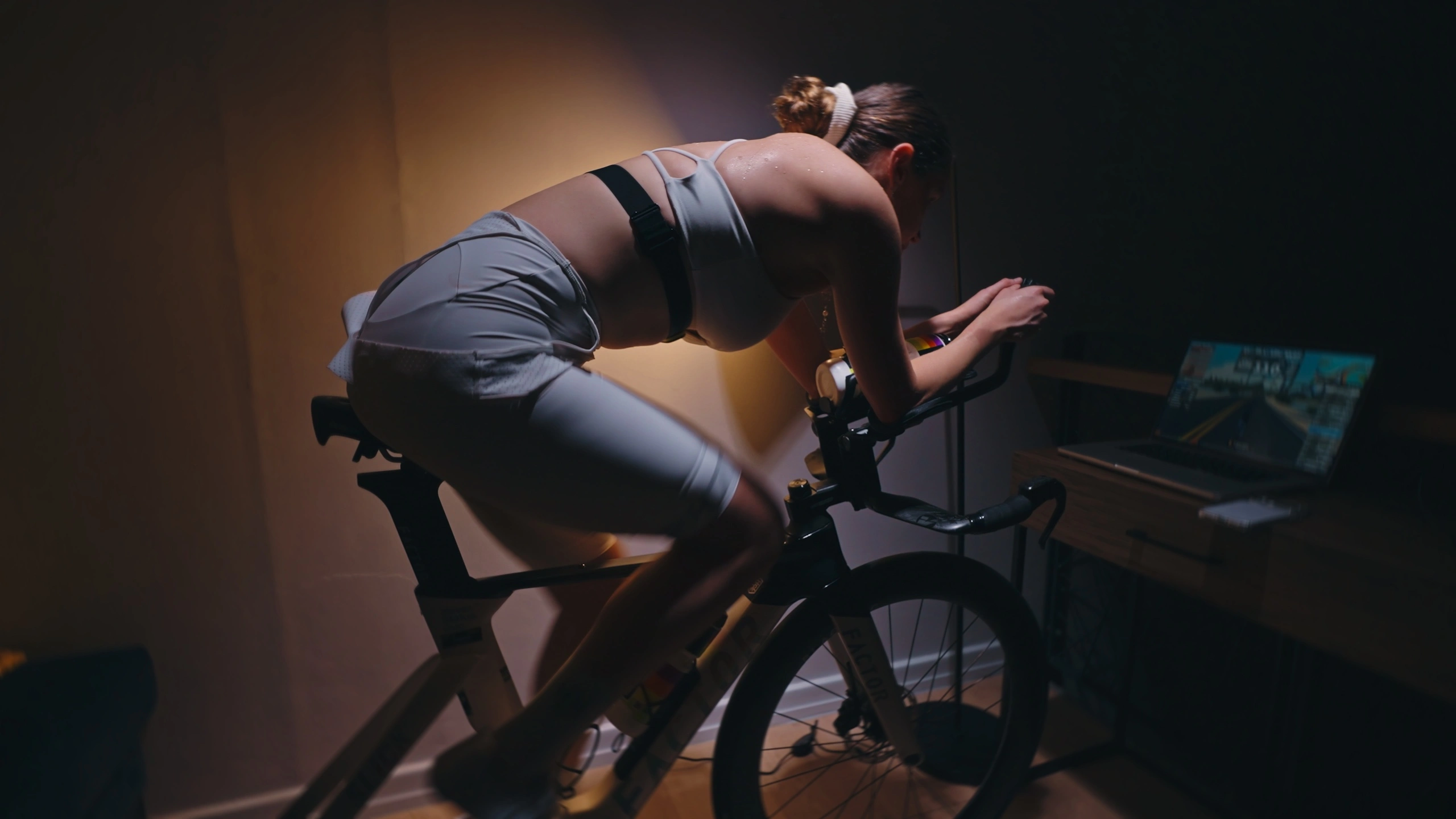
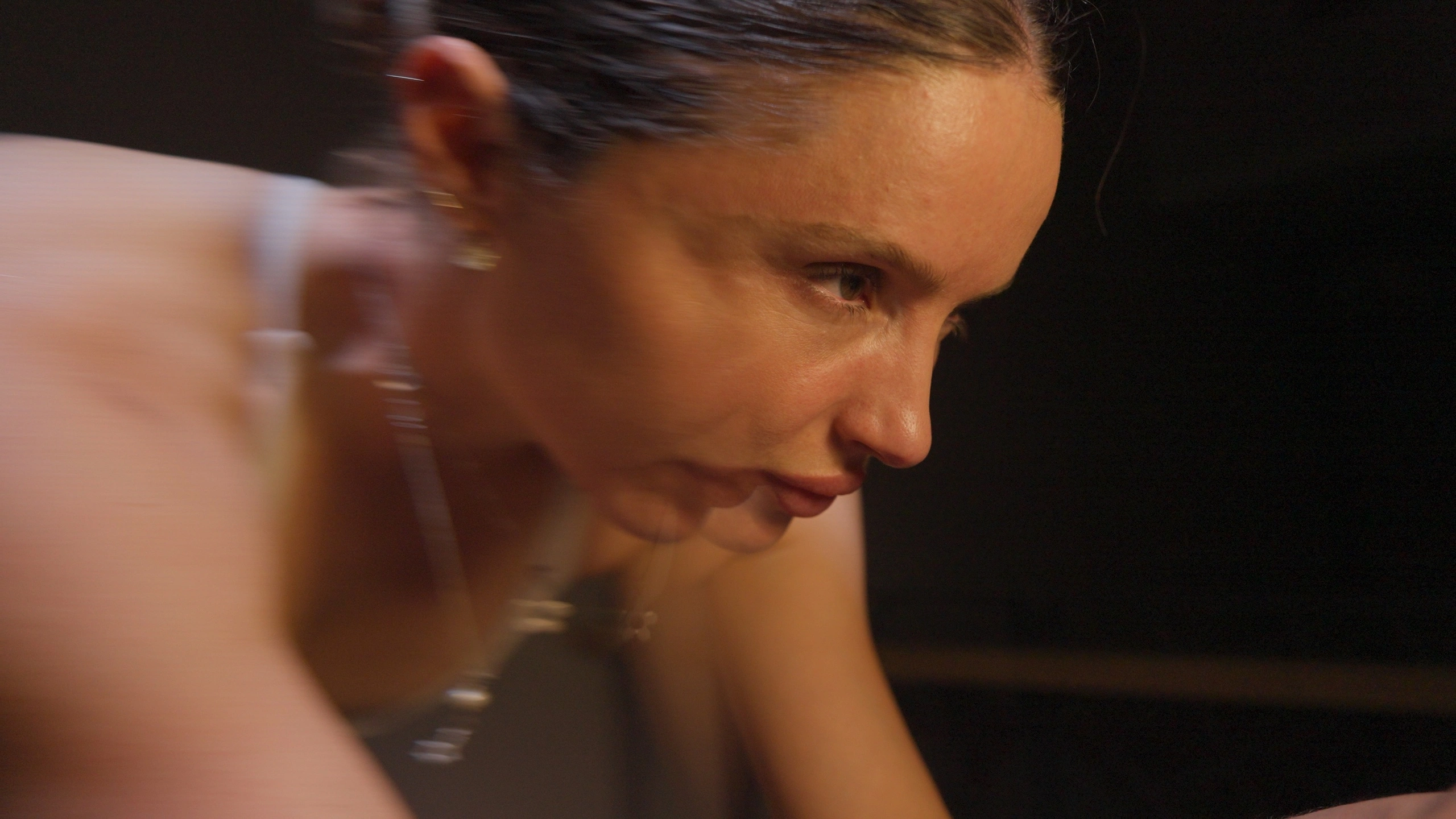
Indoor Cycling
Color Correction
Look
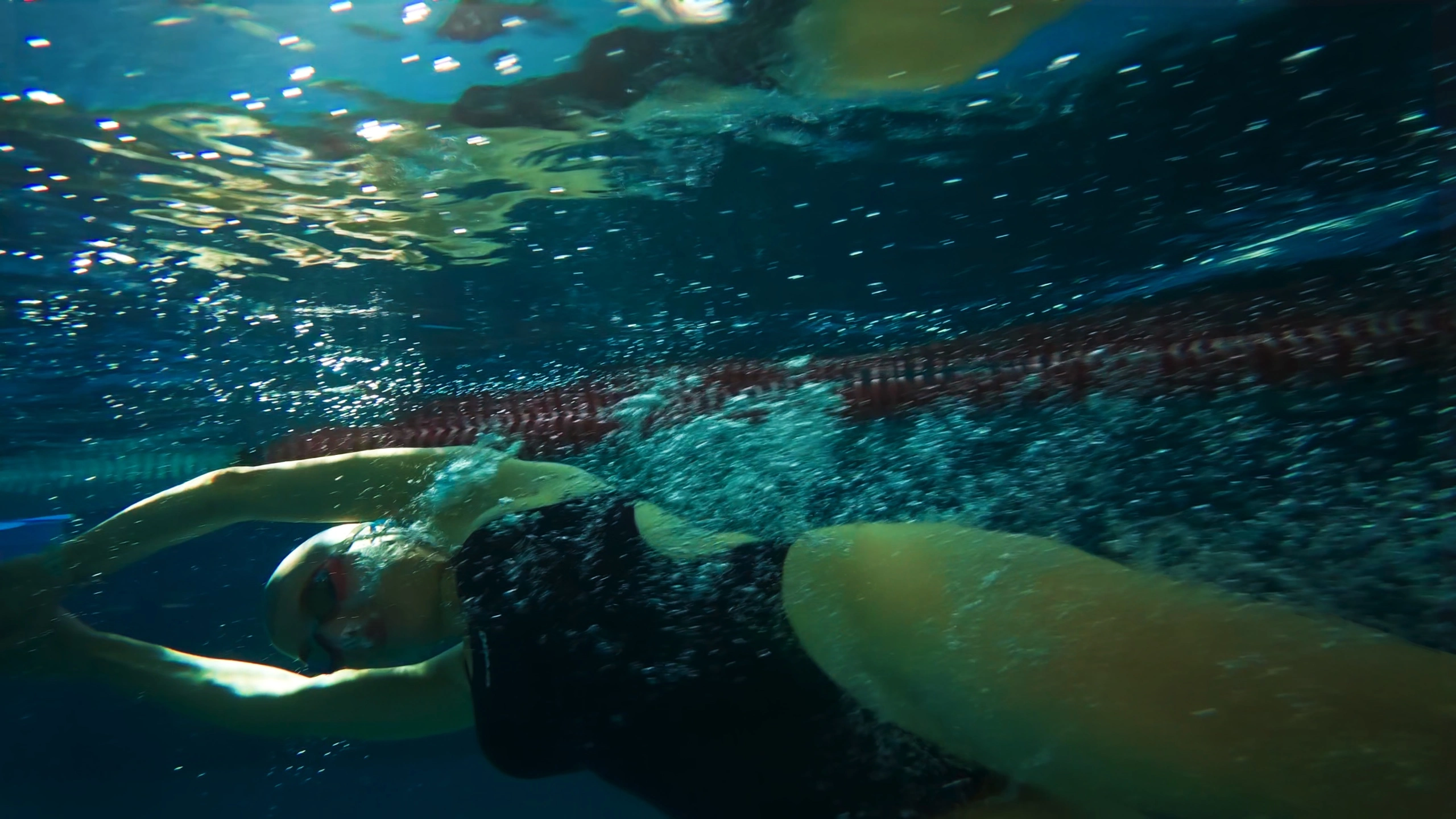
04
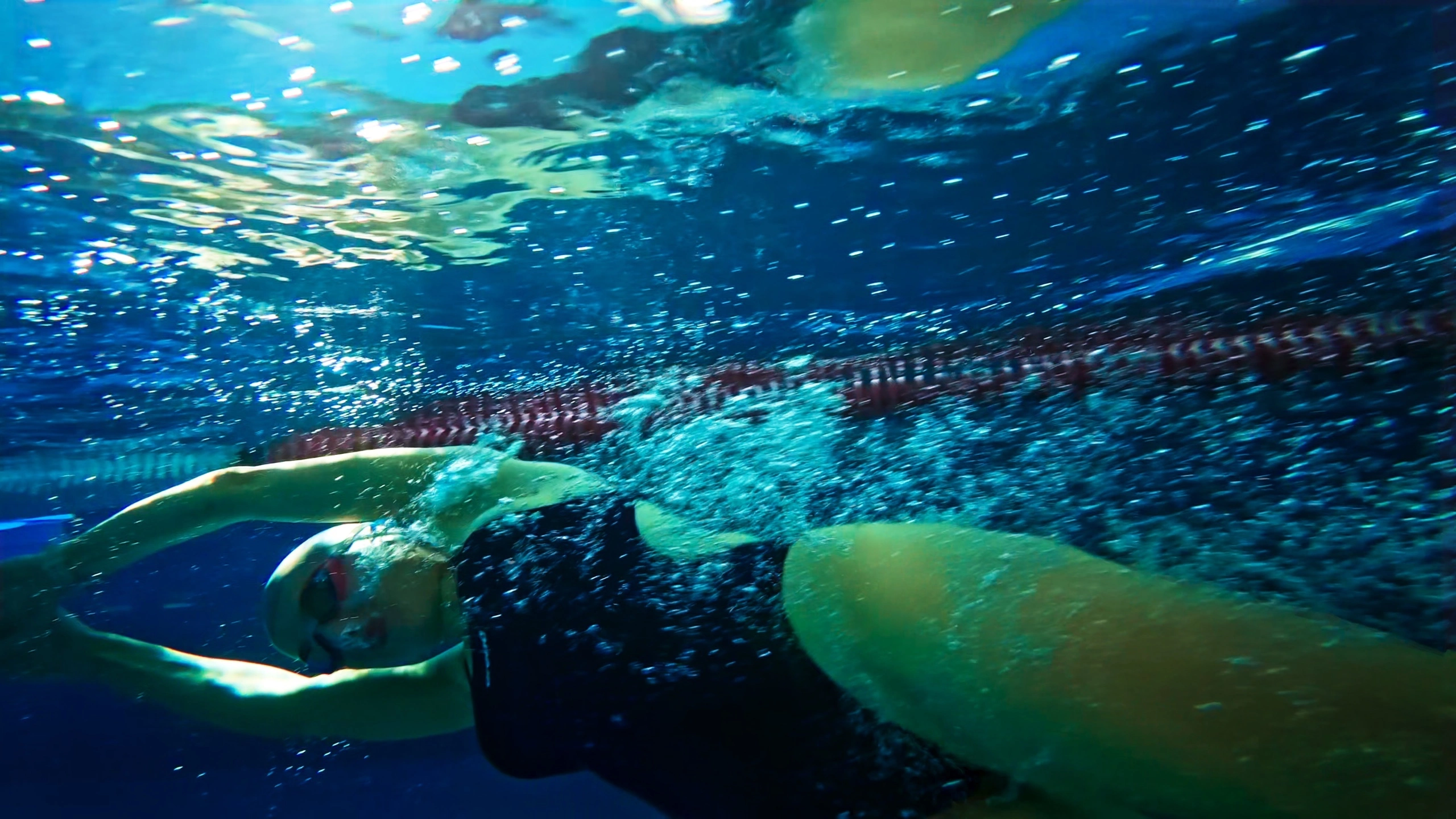
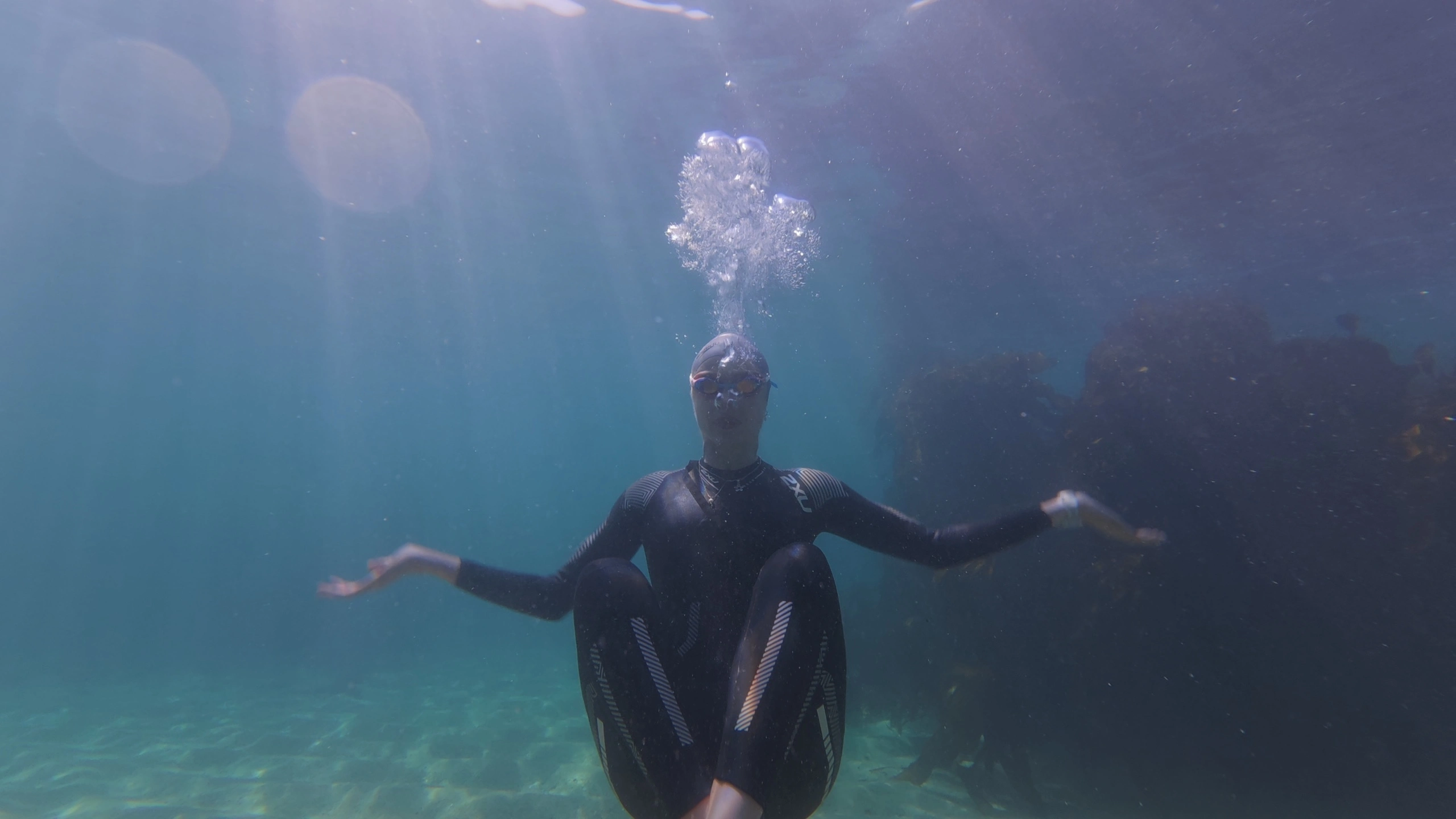
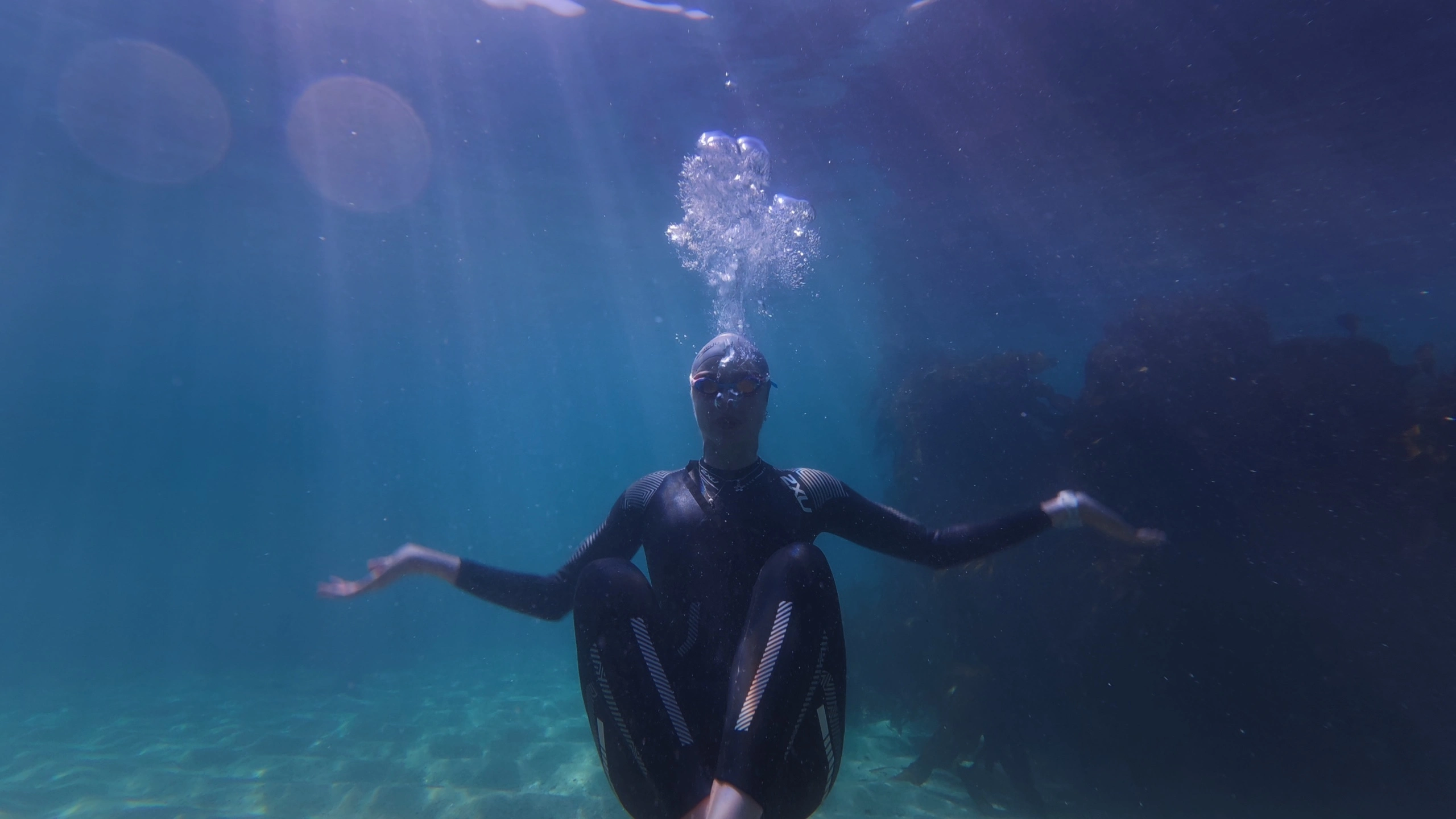
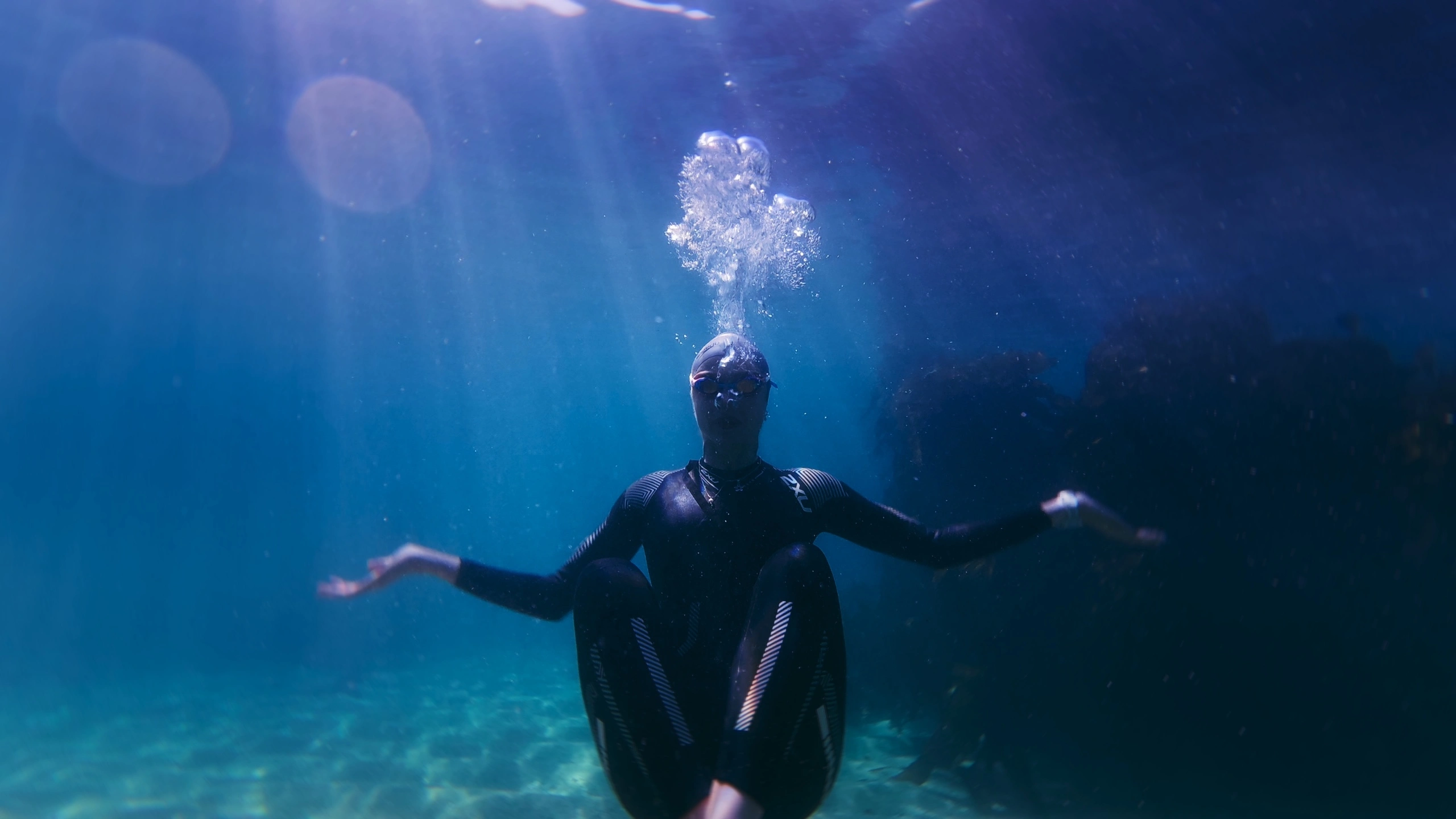
Underwater
Color Correction
Look
05
BLT
Color Correction
Look
06
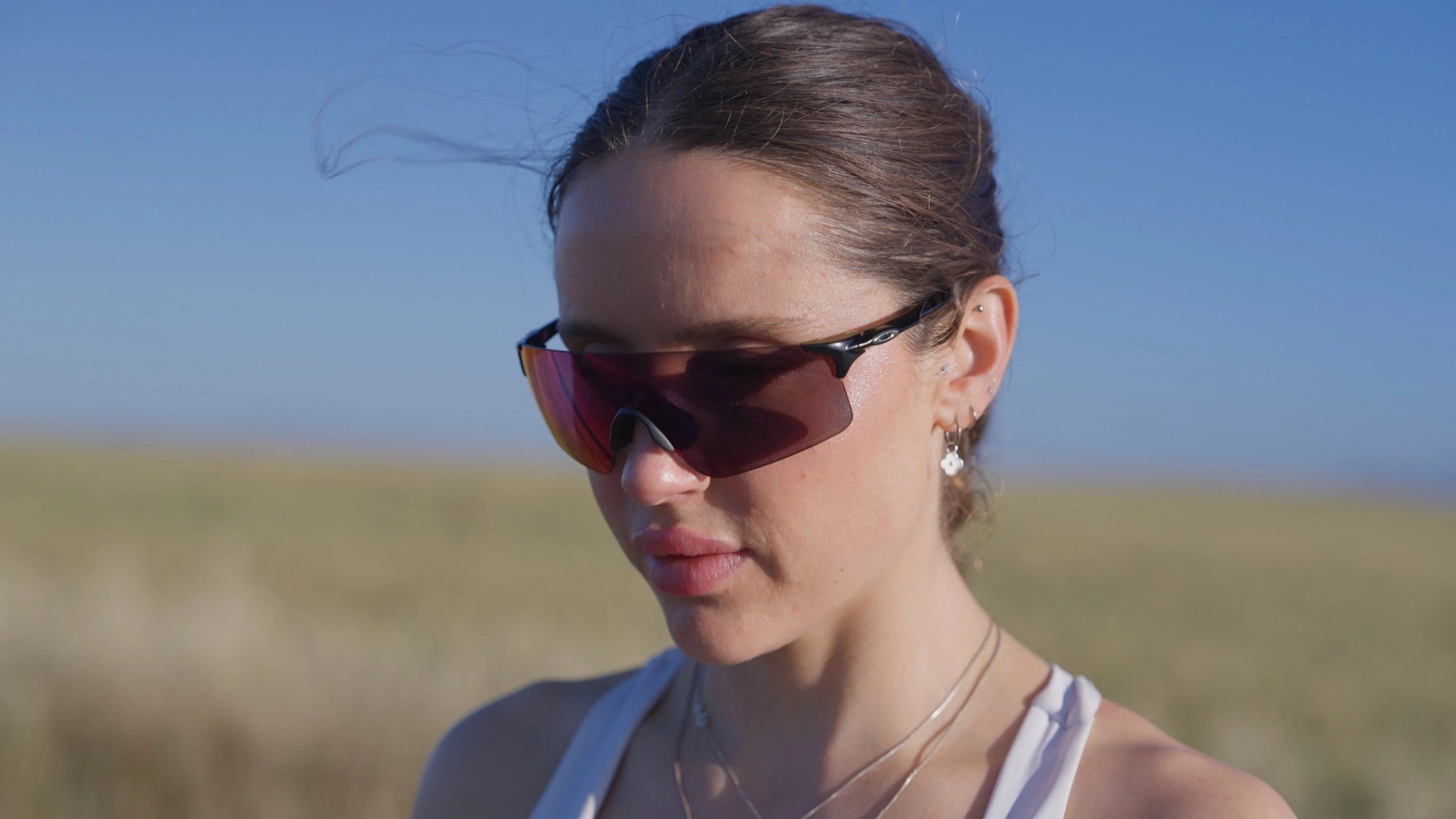
Wheatfield Cycle and run
Color Correction
Look
07
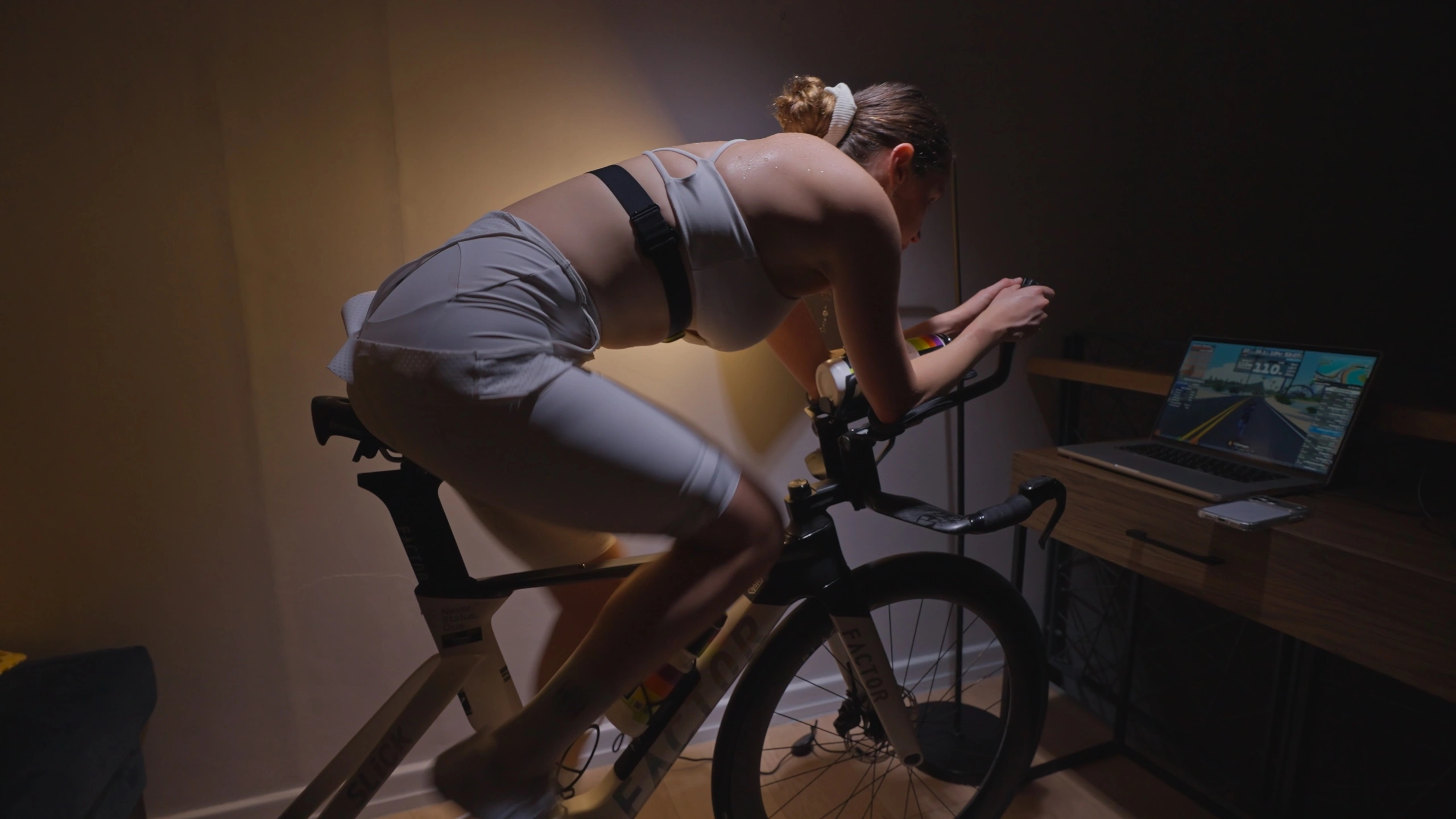
Indoor Cycle Part 2
Color Correction
Look
Choose a look
Select Look 1, Look 2 or Look 3, then leave any notes below.
Color Correction
Look
Submit Feedback